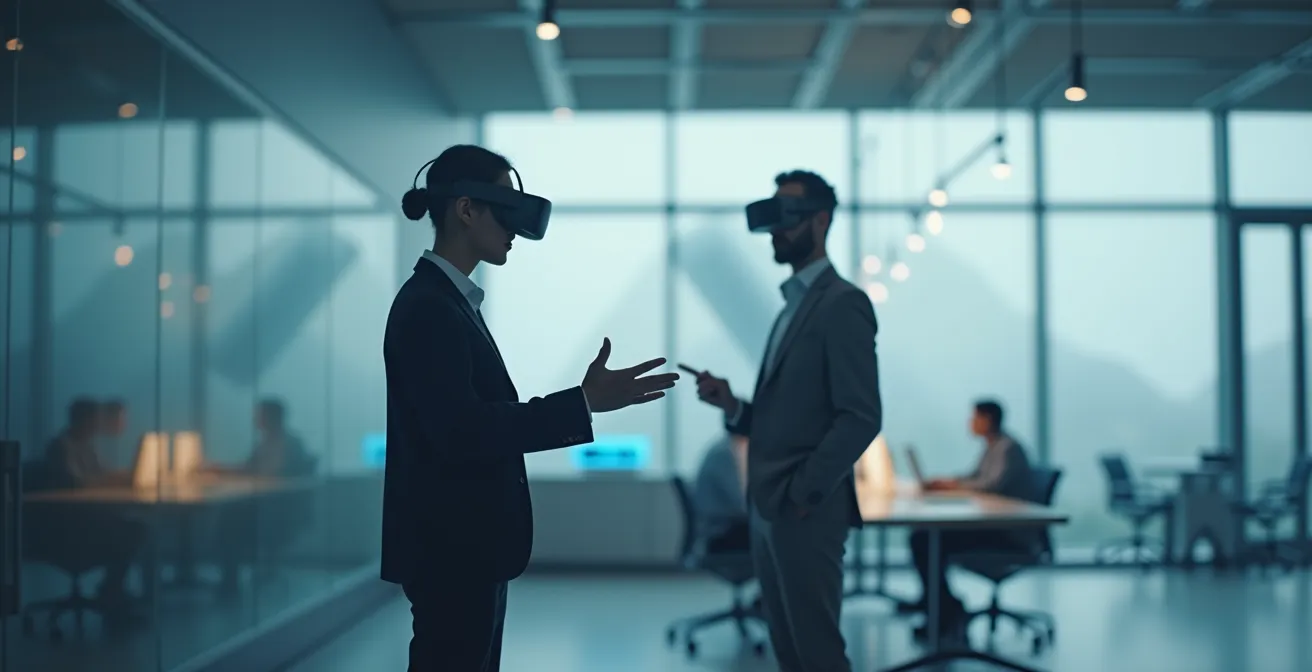
The true revolution of VR in education isn’t its immersive feel; it’s the technology’s ability to systematically exploit the brain’s core learning mechanisms.
- VR accelerates learning not just by engaging students, but by triggering spatial memory, enabling safe error-driven practice, and creating emotionally resonant experiences.
- Successful deployment hinges less on the hardware and more on a sound pedagogical strategy, from managing technical rollout to designing content that prevents cognitive overload like motion sickness.
Recommendation: Shift focus from simply adopting VR to designing learning blueprints that leverage its unique cognitive advantages for measurable improvements in skill retention and confidence.
The promise of educational technology has always been to make learning more effective, yet the reality often falls short. Educators and corporate trainers invest in new tools, only to find that knowledge retention remains frustratingly low. We’ve all seen it: complex skills are taught in a classroom, practiced once, and largely forgotten within weeks. The traditional model of passive information transfer is reaching its limits, especially for skills that require deep, practical understanding.
Many turn to interactive solutions, hoping that simply making content “more engaging” will solve the problem. This leads to gamified quizzes and video content, which, while beneficial, only scratch the surface. The conversation around Virtual Reality (VR) often falls into this same trap, focusing on the novelty and the “wow” factor of immersion. But what if the true power of VR isn’t about engagement, but about biology? What if its real potential lies in its unique ability to tap directly into the brain’s fundamental systems for acquiring and cementing skills?
This is the core shift in perspective this article offers. We will move beyond the hype to explore the cognitive science that makes VR a uniquely powerful pedagogical tool. We’ll dissect why learning in VR leads to such dramatic increases in retention and confidence. We will then provide practical frameworks for deploying this technology effectively, avoiding common pitfalls like technical chaos and student discomfort. Finally, we’ll examine how this shift challenges the very definition of skill validation and the role of traditional educational institutions in an age of accessible, high-fidelity virtual training.
To navigate this new educational frontier, it’s essential to understand both the “why” and the “how.” The following sections break down the core components, offering a clear roadmap for any educator or trainer looking to truly leverage the power of immersive learning.
Summary: Unlocking Advanced Skills with Virtual Reality
- Why Learning in VR Increases Knowledge Retention by 40%?
- How to Deploy VR Headsets in a Classroom Without Technical Chaos?
- Augmented Reality vs. Virtual Reality: Which Is Better for Industrial Training?
- The Motion Sickness Error That Ruins the VR Experience for Students
- When to Introduce Interactive Tech: At the Start or End of a Module?
- The Upskilling Mistake That Leaves Senior Employees Behind
- When to Schedule Training: Before, During, or After the Go-Live Date?
- Quality of Educational Institutions: Is an Ivy League Degree Still Worth the Debt in 2024?
Why Learning in VR Increases Knowledge Retention by 40%?
The remarkable boost in knowledge retention from VR training isn’t magic; it’s a result of “cognitive hijacking.” VR environments are uniquely suited to exploit the brain’s natural, and often ancient, learning pathways. Instead of treating the brain as a hard drive for storing facts, VR treats it as a simulator, designed to learn through action and experience. Studies confirm the staggering efficiency of this approach, with research showing that learners are up to 4 times faster to acquire skills in VR compared to traditional methods.
This acceleration is driven by several key neurological factors. When you learn in a fully immersive 3D space, your brain engages its spatial memory systems, primarily managed by the hippocampus. You don’t just remember a fact; you remember *where* you were and what you *did* when you learned it. This creates a much richer, multi-layered memory trace that is far more resilient to forgetting. Furthermore, VR demands physical interaction, activating the motor cortex and leading to what is known as embodied learning. The knowledge isn’t just abstract; it’s physically encoded.
Perhaps the most powerful mechanism is VR’s capacity for safe, error-driven practice. In the real world, mistakes can be costly or dangerous. In VR, they are simply data points for learning. A trainee can attempt a complex surgical procedure or a hazardous material cleanup dozens of times, learning from each failure without consequence. This consequence-free experimentation creates strong, memorable learning experiences because the brain is wired to pay close attention to errors and their corrections. This combination of deep encoding and iterative practice is the scientific foundation of VR’s superior learning outcomes.
How to Deploy VR Headsets in a Classroom Without Technical Chaos?
The vision of a classroom full of engaged students in VR is compelling, but the reality for many educators is a nightmare of technical glitches, dead batteries, and mismatched software. A successful VR deployment is not about unboxing headsets; it’s about implementing a robust management system. The key is to shift from individual device management to centralized, remote control, ensuring the technology serves the lesson plan, not derails it.
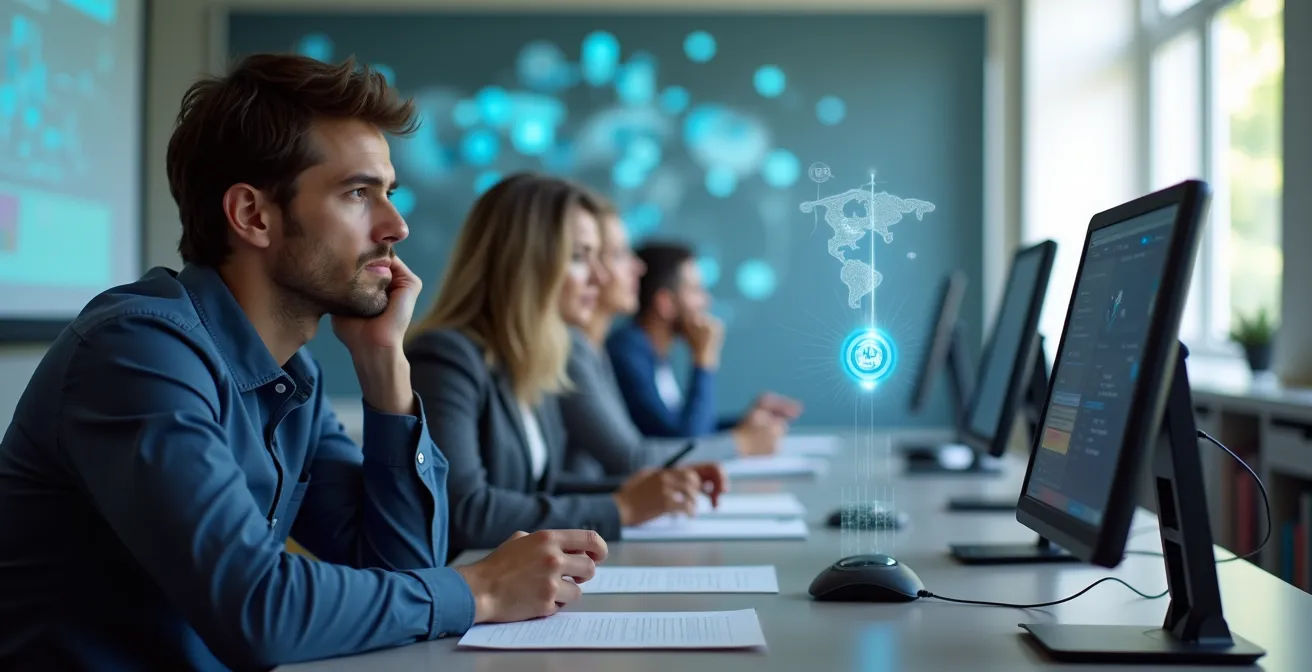
As the image suggests, modern VR classroom management hinges on an instructor dashboard. This single pane of glass allows a trainer to see what every student sees, monitor progress, and deploy content simultaneously. This eliminates the classic chaos of walking from student to student to troubleshoot. To achieve this level of control, a phased deployment framework is essential for any institution looking to scale its VR initiatives successfully.
A structured rollout ensures both technical stability and user comfort. It transforms a collection of individual gadgets into a cohesive educational tool. The process involves several critical steps:
- Implement a Mobile Device Management (MDM) platform: This is the backbone, allowing you to install, update, and manage applications across all headsets from one central console.
- Conduct a ‘VR-zero’ ergonomics session: Before any learning begins, dedicate time to teach students how to properly adjust their headsets (like Interpupillary Distance or IPD) and set up their safe play boundaries.
- Establish the instructor dashboard: Ensure the instructor is fully trained on the monitoring software to guide, assist, and track students in real-time.
- Create a pre-launch checklist: Standardize checks for battery levels, network connectivity, and content synchronization before every session.
- Deploy experiences remotely: Use the MDM to push the correct learning module to all devices at once, ensuring everyone starts on the same page.
- Monitor progress through analytics: Leverage the central platform to gather data on student performance, completion times, and common error points for post-session review.
Augmented Reality vs. Virtual Reality: Which Is Better for Industrial Training?
The choice between Augmented Reality (AR) and Virtual Reality (VR) for industrial training is not about which technology is “better,” but which is right for the specific learning objective. The two serve fundamentally different pedagogical purposes. VR is about simulating an entire environment, while AR is about overlaying information onto the existing one. For trainers, understanding this distinction is crucial for designing effective and efficient upskilling programs. VR is for building foundational skills in a controlled space; AR is for supporting performance on the job.
This difference is most evident in safety and operational training. For teaching a new employee how to handle a highly hazardous scenario, like a chemical spill or equipment failure, VR is unmatched. It allows the trainee to experience and react to a high-stakes situation without any real-world risk. Conversely, for guiding a technician through a complex, multi-step repair on a live piece of machinery, AR is the superior tool. It can project instructions, diagrams, and data directly onto the equipment, providing just-in-time performance support without removing the worker from their real-world context. This contextual guidance is where studies indicate VR training delivers a 76% improvement in manufacturing training effectiveness.
The following table breaks down the core differences to help guide the decision-making process for industrial training applications.
| Aspect | Augmented Reality (AR) | Virtual Reality (VR) |
|---|---|---|
| Best Use Case | Real-world context overlay | Complete environment simulation |
| Training Focus | On-the-job performance support | Foundational skill building |
| Data Collection | Real environment interactions | Controlled scenario behaviors |
| Safety Training | Live equipment guidance | Hazardous scenario simulation |
| Deployment | Factory floor, real machinery | Classroom, training center |
The Motion Sickness Error That Ruins the VR Experience for Students
For all its potential, a VR learning experience can be instantly ruined by one major physiological hurdle: motion sickness, or more accurately, virtual reality-induced sickness. This occurs when there’s a mismatch between what your eyes see (movement in the virtual world) and what your inner ear’s vestibular system feels (your body remaining stationary). This sensory conflict can trigger nausea, headaches, and disorientation, completely derailing the learning process. The problem is significant; a comprehensive study documented 481 problem statements from 168 university students and staff, with a large portion relating to physical discomfort.
Ignoring this issue is the single biggest design error an educational content creator can make. It’s not the student’s fault; it’s a failure of design. Fortunately, this problem is largely solvable through intelligent development choices. A set of established design principles can drastically reduce or even eliminate the risk of motion sickness, ensuring the technology remains an effective tool rather than a source of discomfort. An experience that prioritizes user comfort is one that prioritizes learning.
Preventing VR-induced sickness requires a conscious effort to design for the brain’s limitations. Here are the core technical and design principles that every VR educational experience should follow:
- Implement cockpit frames of reference: Adding a stable visual element, like the dashboard of a vehicle or a static frame, provides a visual anchor that reduces the sense of motion.
- Use vignetting during movement: Temporarily narrowing the field of view (creating a tunnel-vision effect) during artificial movement reduces peripheral motion, which is a major trigger.
- Prefer snap-turns over smooth rotation: Instantaneous, discrete turns are less likely to cause vestibular conflict than a slow, smooth camera pan.
- Maintain a minimum 90fps frame rate: A high and stable frame rate is critical. Any stutter or lag can instantly break the illusion of reality and trigger discomfort.
- Use teleportation mechanics: Instead of smooth “walking,” allowing users to point and instantly move to a new location is one of the most effective ways to avoid sickness.
- Add comfort settings: Allow users to adjust these settings based on their individual sensitivity. What is comfortable for one person may not be for another.
When to Introduce Interactive Tech: At the Start or End of a Module?
A common strategic question for educators is *when* to integrate a VR experience within a learning module. Should it be an upfront “hook” to generate excitement, or a final assessment to test knowledge? The most effective approach is not to choose one or the other, but to use VR as a flexible tool deployed at the precise moment it can solve a specific pedagogical problem. The technology’s role should change depending on the learning objective at each stage of the module.

The transition from abstract theory to hands-on practice is where VR shines brightest. It serves as a bridge, allowing students to apply concepts in a tangible way before facing real-world complexity. For example, a simple VR experience can be used at the beginning of a module as an experiential primer, giving students a visceral feel for the topic before they dive into the theory. This creates a powerful mental framework to which they can attach the new information they are about to learn, a concept central to the “Flipped Classroom 2.0” model.
The optimal integration strategy is context-dependent. Rather than a one-size-fits-all rule, a “just-in-time” framework allows for maximum impact:
- Start of Module: Use a simple, guided VR experience to introduce the environment or core problem, sparking curiosity and providing context.
- Mid-Module: Deploy a VR simulation at the exact point where a theoretical concept becomes too abstract or difficult to visualize (e.g., visualizing molecular interactions or complex engine mechanics).
- For Complex Topics: Introduce VR specifically for scenarios that are too dangerous, expensive, or rare to replicate in reality (e.g., emergency response protocols).
- End of Module: Implement a high-fidelity, unguided VR simulation as a form of practical assessment, measuring not just what the student *knows* but what they can *do*.
- Continuous Access: Provide the VR modules on-demand, allowing students to revisit and practice skills at their own pace to reinforce learning over time.
The Upskilling Mistake That Leaves Senior Employees Behind
When rolling out new technology like VR, a common and costly mistake is to assume senior employees will be resistant due to a general aversion to technology. This often leads to training programs that are either overly simplistic or completely ignored. The root of the problem is usually a misdiagnosis: senior employees are rarely “tech-averse,” but they are highly “process-centric.” They have spent decades mastering a workflow, and their resistance is not to the technology itself, but to a disruption of a process they don’t see the need to change.
As one implementation study highlights, the key is to frame the technology in terms of workflow benefits. A VR training expert from VR Training Services Research notes:
The key mistake is assuming senior employees are tech-averse. The reality is they are often ‘process-centric’ and need to understand the ‘why’ and the workflow benefits of VR.
To overcome this, the training must focus on the “why” before the “how.” Instead of leading with the features of the VR headset, lead with a clear demonstration of how it will solve a long-standing problem, make their job safer, or improve a key metric they care about. A powerful strategy to facilitate this is implementing a “reverse mentoring” framework, which pairs tech-comfortable junior employees with domain-expert senior staff for mutual learning.
This approach respects the expertise of senior employees while leveraging the digital fluency of junior staff. The framework for successful adoption among experienced teams includes:
- Pairing junior employees (tech guides) with senior staff (domain experts) for collaborative sessions.
- Creating private, self-paced VR onboarding modules so senior staff can learn without fear of “looking incompetent” in a group setting.
- Focusing all training materials on workflow benefits and efficiency gains, not on the technology’s features.
- Implementing gamified elements or team-based challenges to make the learning process more engaging and less intimidating.
- Tasking senior employees with helping to design or validate the VR training scenarios, thereby documenting their invaluable expertise.
When to Schedule Training: Before, During, or After the Go-Live Date?
The scheduling of training around a major operational launch—the “Go-Live”—is a critical strategic decision. Traditionally, training happens just before the launch, often in a frantic rush. However, immersive technologies like VR and AR allow for a much more strategic, multi-phased approach that extends before, during, and after the go-live. The goal is to move from “just-in-case” training to a continuous cycle of “just-in-time” learning and readiness.
The most transformative shift is the ability to train *before* the physical environment even exists. Using Digital Twins—a precise virtual replica of a physical facility or system—companies can train their workforce on new equipment and workflows months in advance. Employees can walk through a virtual factory, practice on a digital copy of a new assembly line, and master processes long before Day 1. This ensures they arrive with full operational readiness, drastically reducing the typical post-launch slump in productivity and safety incidents.
The ideal training strategy is not a single event but a continuous process. VR and AR have specific roles to play at each phase, from pre-launch preparation to handling post-launch emergencies. This matrix outlines a modern approach to scheduling immersive training.
| Training Phase | VR Application | Key Benefits |
|---|---|---|
| Before Go-Live | Digital twin facility simulation | Day 1 operational readiness |
| During Operations | AR micro-learning modules | Just-in-time performance support |
| After Go-Live | VR chaos scenario training | Emergency preparedness without disruption |
Key Takeaways
- VR’s effectiveness stems from its ability to engage the brain’s natural learning systems, such as spatial memory and error-driven practice, leading to faster and deeper skill acquisition.
- Successful implementation requires a deliberate strategy that includes centralized device management to avoid technical chaos and thoughtful content design to prevent user discomfort like motion sickness.
- Immersive technology is democratizing access to elite training, allowing skills to be verified through performance data in a VR portfolio, challenging the traditional value proposition of prestigious degrees.
Quality of Educational Institutions: Is an Ivy League Degree Still Worth the Debt in 2024?
The rise of high-fidelity VR training directly challenges the traditional value proposition of elite educational institutions. For decades, the high cost of an Ivy League degree was justified not just by the quality of teaching, but by access to exclusive, state-of-the-art training environments—advanced surgical theaters, complex engineering labs, and expensive simulators. VR is systematically dismantling that monopoly. It democratizes access to elite experiences, fundamentally shifting the conversation from “where you learned” to “what you can provably do.”
The impact is profound. A student in a community college can now access a world-class surgical simulation that was once the exclusive domain of a top-tier medical school. As the team at SimX, a leading medical simulation platform, argues, this is a paradigm shift. Their view, as noted in a Virtual Reality Medical Simulation Study, is clear:
A student can now access a world-class surgical simulation (traditionally an Ivy League asset) as a service, directly challenging the institution’s monopoly on elite training environments.
– SimX Medical Training Platform
This isn’t just about access; it’s about measurable outcomes. Learners gain not only skills but also a profound sense of capability. For example, extensive PwC research reveals VR learners were 275% more confident to act on what they learned after training. This data-backed confidence, combined with a portfolio of recorded simulation performance, creates a new, more granular form of credentialing. Instead of relying on the brand of a university, an employer can now review a candidate’s data-rich skill profile, verifying their competency in specific, complex tasks.
Action Plan: Auditing a VR-Based Skill Portfolio
- Document Demonstrations: Record VR sessions where key skills are performed to create a verifiable, visual portfolio.
- Collect Performance Metrics: Inventory objective data from simulations, such as completion time, accuracy rates, and error counts.
- Build Competency Maps: Confront the collected data with the required job competencies to identify strengths and skill gaps.
- Assess Memorability & Emotion: Analyze performance in high-stress VR scenarios to gauge decision-making under pressure.
- Create an Integration Plan: Use the skill profile to create a targeted onboarding plan that addresses any identified gaps, rather than a generic training program.
For educators and trainers, this is the moment to start building the learning programs of the future. The first step is to assess your current curriculum and identify the complex skills that would benefit most from this immersive, practice-driven approach.